How to delete a Browser Cookie

86
![]() | Amazon Price: $17.92 List Price: $26.99 |
![]() | Amazon Price: $7.09 List Price: $24.99 |
![]() | Amazon Price: $8.25 List Price: $19.99 |
![]() | Amazon Price: $4.00 List Price: $19.99 |
Ah, remember the good old days when cookies where just a treat that you got after school with a cold glass of milk? Those of us that use computers on a regular basis haven't thought about cookies in just that way in a long time. But all that most of us really know about computer cookies is that they're there. Many people don't know what they are or how to get ride of them. Here are the browser cookie basics that you've been looking for.
First, you might want to know what a browser cookie is and why you would want to delete it. The fact is that the cookie probably isn't bad or good but that it could potentially pose a risk to you in some circumstances. Basically, a browser cookie is just a chunk of text that is sent between your browser and a server every time that the browser and server connect. What it does is keep track of who you are. So let's say that you input information into an account at a popular website like Amazon. A cookie will track your information (such as your name) via this cookie and send the cookie to the server each time that you access it. That's why you can sign into a site like that and see it personalized to your name, ("Hi, so-and-so"). The cookie itself is harmless to your computer but the fact that it stores your private information makes you more susceptible to computer hacking and potential identity theft.
That would be the reason that you want to delete your cookies. But what's the process for doing it? Luckily, deleting browser cookies is easy. Just follow these simple steps and you're all set:
- Open your Internet connection.
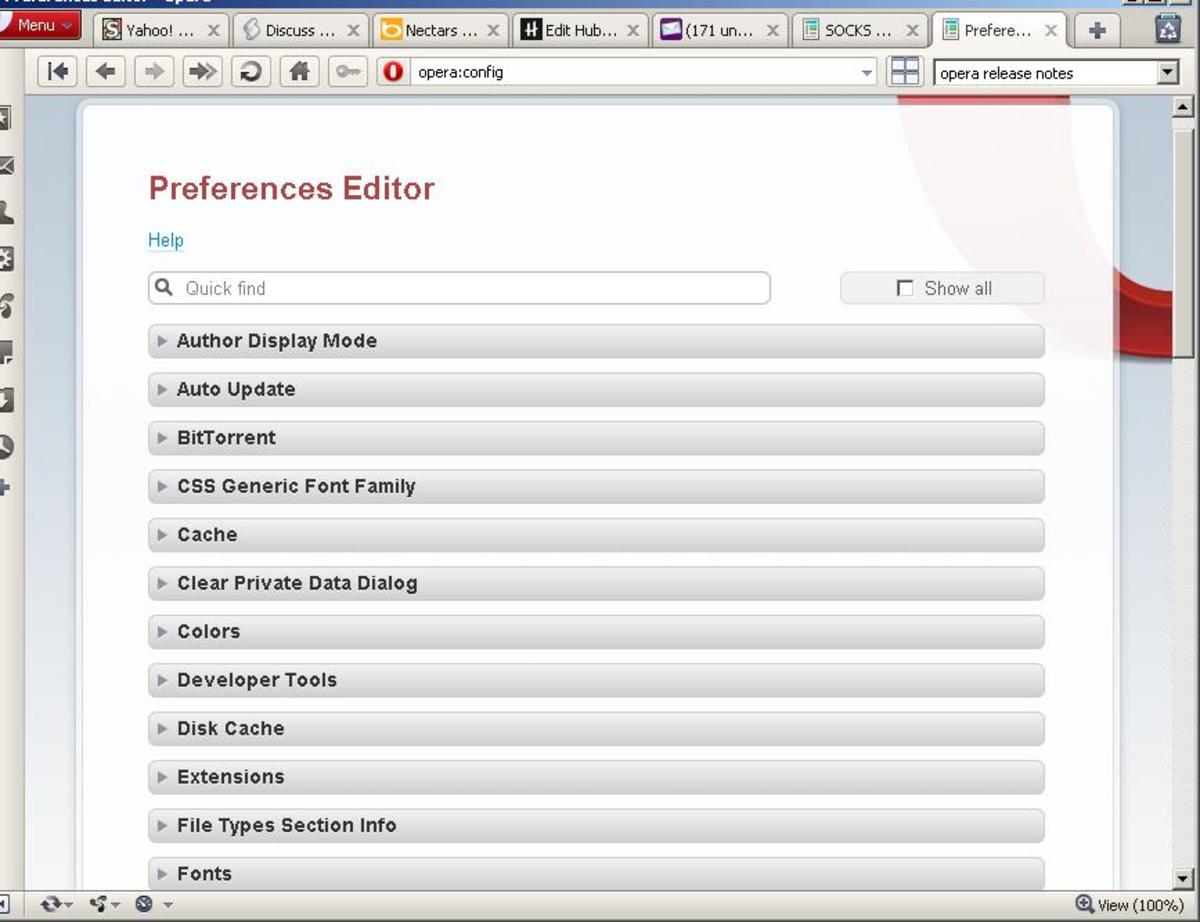
- Go to "Tools".
- Select "Internet Options".
- Under the "general" tab, you should see "delete cookies". This may be combined with other functions. For example, you may see "browsing history" and an option to delete cookies along with temporary files and other aggregated browsing history. There are minor variations, but the point is the same - choose to delete. You may delete all of these things or just delete the cookies. Many people opt to delete the cookies and temporary files but not delete their passwords. This may or may not be an option depending on the operating system that you are running.
- Restart your computer. This isn't a requirement; your cookies are already deleted. But many people restart the computer after taking steps like this.
Note that you also have the option of deleting only certain cookies instead of all of your cookies. If you want to go through them manually and delete only certain ones, you will follow the same first three steps above. However, instead of "delete cookies", you will choose "Settings". This will bring up a new window in which you will choose the "View files" option. You'll select "View Details" and get your list of cookies. Highlight and delete any cookies that you want to delete.
Once you've deleted the cookies that are on your computer, you might want to change the settings on your computer to make it more difficult for cookies to get stores in the future. To do this, go to Tools again and select Internet Options again. This time, go to the Privacy tab. You'll be given options for selecting a range of different security levels for cookies. You might not want the highest option because this will block a lot of websites and can be annoying on a daily basis. But a medium-high level of security will block most cookies and keep your computer activity efficient.

vote upvote downsharePrintflag
- Useful (10)
- Funny (2)
- Awesome (2)
- Beautiful (3)
- Interesting
CommentsLoading...
I use safari and yes I do empty my cookies and cache still getting error message when I try to sign in the error message is
bx-W9OV67
lease can some one bring this to blogsot.com attention to fix it already
Wonderful! Solved all my problems with cookies. Thanks a lot! Big kiss!
Thanks for that. Interesting stuff.
Thank your for this article. Very helpful information.
Wow thank you! I'm no good with computer terminology but your advice was so easy to follow! Thank you!
Most internet users do not realize just how many cookies they pick up in a day on the net. For the most part these cookies are not only harmless they are also helpful. The classic session cookie is what allows a site to remember who you are so you do not have to constantly login.
i have added the steps to delete cookies in firefox over here with some images to help new users
simple but great hub................@kmadhav
Blogger Help explains how.
thank you for the tip
you can use software called window washer it can automate this task for you...
Nice and appropriated explanations quite often to be left by users
Very helpful for my works in progress. Thank You!
this was very helpful thank you I'm a newbie and am not aware of how to do to many things. This however was easy to understand and I can do this. thank you
You can see where your browser has been with a real simple check at http://www.check-history.com.
They have algorithms that will tell you if your browser has visited any porn sites, dating sites, social networks and WHICH ONES!
There are tutorials there as well that teach you how to remove any of this incriminating evidence.
Very informative and interesting!
If you ever browse a site, and they ask you to login after certain number of pages viewed, you can always delete your cookies, then keep browsing.
I delete cookies daily...I use roboform to remember my page settings.
I delete cookies once a month.. thats enough, i think :)
Although it seems to be easy do it... not everyone do it! I confess that I'm a little paranoid with this and delete them almost one time per day!!!
It is absolutely amazing just how many of these you collect in a average session online.
Very useful hub!
A good anti-virus program will prevent many cookies I've found.
good tips
Nuce. Thank you.
i want my previous blogs also in the new blog
Think I'll print this out for my in-laws. They are always (or so it seems) asking me how to delete cookies.
You Informations is really useful, keep the light and information shining.
Thank you and God Bless.
Good hub, useful and interesting! The best kind :)
nice hub
Thank you so much. This was extremely helpful and easy to follow.
I'm a software developer and i can say that all' informations you gave are right. The only thing that i can add is that during the years some security precautions has been taken and now it's not so easy steal your informations also if it is still possible.
I knew this, but i like the simplicity in which you explained it for newer tech people.
Daniel
It's rather easy to find the clear browser cookies settings, regardless what kind of browser you use. But thanks for this.
i always use ccleaner although there are some wonderful software that fo more than just cleaning your history. Kathryn Vercillo did you know that a browser cookie is sometimes very useful e.g. Google stores a Cookie on user's pcs in order to make the search experience more better
I also use ccleaner. I have found, however that there are a few things that ccleaner misses that Disk Cleanup that comes with windows will pickup. I'm not sure if I could tinker with ccleaner's settings and pick them up too. Great hub! Thanks so much.
hmm, nice and informative, keep it up dear.
stay n tch
Thanks for this tutorial
Lots of great info. with easy to understand directions. Nice writing style by the way
Very informative hub. You explained it very well.
That was a very good hub. You answered the question precisely and any one reading will now know how to delete a browser cookie. Thats the kind of article I like. Someone asks a question and it gets anwered correctly and directly
Very helpful. Thank U.
Another important thing to know, is that your browser also is saveing so called "flash-cookies" that can“t be deleted this simple...
Very good info.
I would highly recommend getting a program called CCleaner. You can download it for free, and it does more than just clear the cookies. You can empty the Recycle Bin, fix your registry, and other stuff like that too!
Very clearly explained on how to delete browser cookies. The information is clear and easy to follow. Hub up.:) By the way the rating for this hub is 100 as of now. So awesome!!
This is really nice and well writing. In addition to all that you have writtten. It is advisable for computer users to run 'prefetch' from timt to time on there computers.
Proud to be your 3000th follower.
Cheers!
I think this is absolutely brilliant.
Informative Hub!!!!
It is true that many people are not aware what cookies are or how to get ride of them.As mentioned in the hub Browser cookie is just a chunk of text that is sent between your browser and a server every time when the browser and server got connected and keep track of who you are.As pointed out such as cookie itself is harmless to your computer but it stores your private information makes you more susceptible to computer hacking and potential identity theft.Thanks a lot for sharing such an informative peace of text. I await your future text in this regard with great curiosity.
Thanks for this helpful information.
This is the complete post about deleting a Cookies. No need to read any other sources. You have explained very well. Keep it up.
It's really funny and simple :>.
When I read this it makes me smile. No matter that we are actually talking about deleting Cookies. But when You see that cookie picture. You can't smile ;> Thank You :)
Good post - but the another great way to do it is to use CCleaner. It's a free program which cleans out all your excess files, cookies, etc.
yes this hub is helpful to those who don't know to delete the history and cookies from the browser ....
I always deleted my cookies after browsing something like malware or spyware..HHmmm..Just to protect my PC
Avoid your pc/laptop from fraud & virus attack by deleting your browser's cookies. Easy, simple and basic tutorial. Must read for everyone!
average info but in an interesting manner! good job!


Debs 3 years ago
Good info. Thanks.